Software we have built because the same problems came up in commercial teams again and again. Each tool is used inside client work where it fits. None of them is for sale on its own.
Interest fields filled from the correspondence already in HubSpot
The problem. The interest and application fields in the CRM are empty or stale, while the answers sit in logged emails and notes that nobody re-reads.
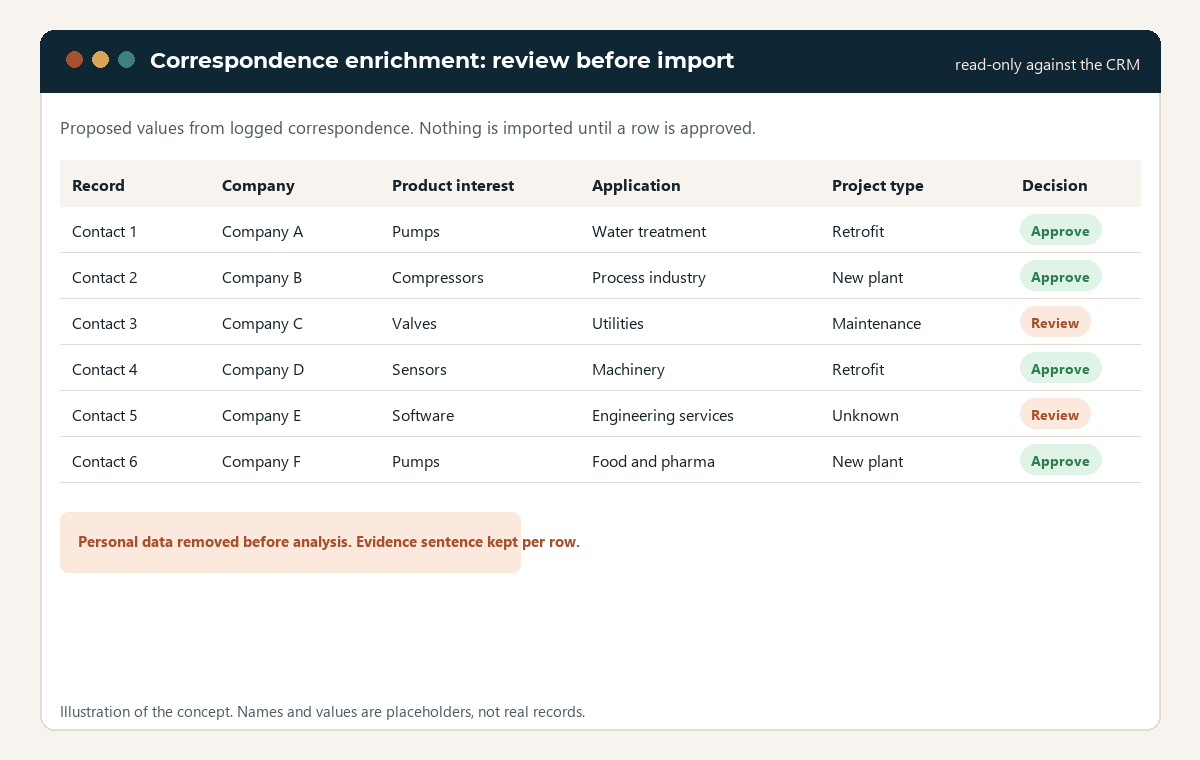
What it does. Reads correspondence already in HubSpot, keeps only the sentences that mention a product, removes personal data before anything is analysed, classifies three interest fields with a model that runs on a local machine, and produces a spreadsheet for a person to approve. Only after approval is anything imported back, matched on the record ID. The CRM is read, never written to directly.
The review step, drawn as an illustration with placeholder rows. Nothing reaches the CRM without a person approving the row.
Outbound sequences that log every touch to the CRM
The problem. The sales team pays for a sequencing service that lives outside the CRM, so touches go missing in HubSpot and follow-ups depend on memory.
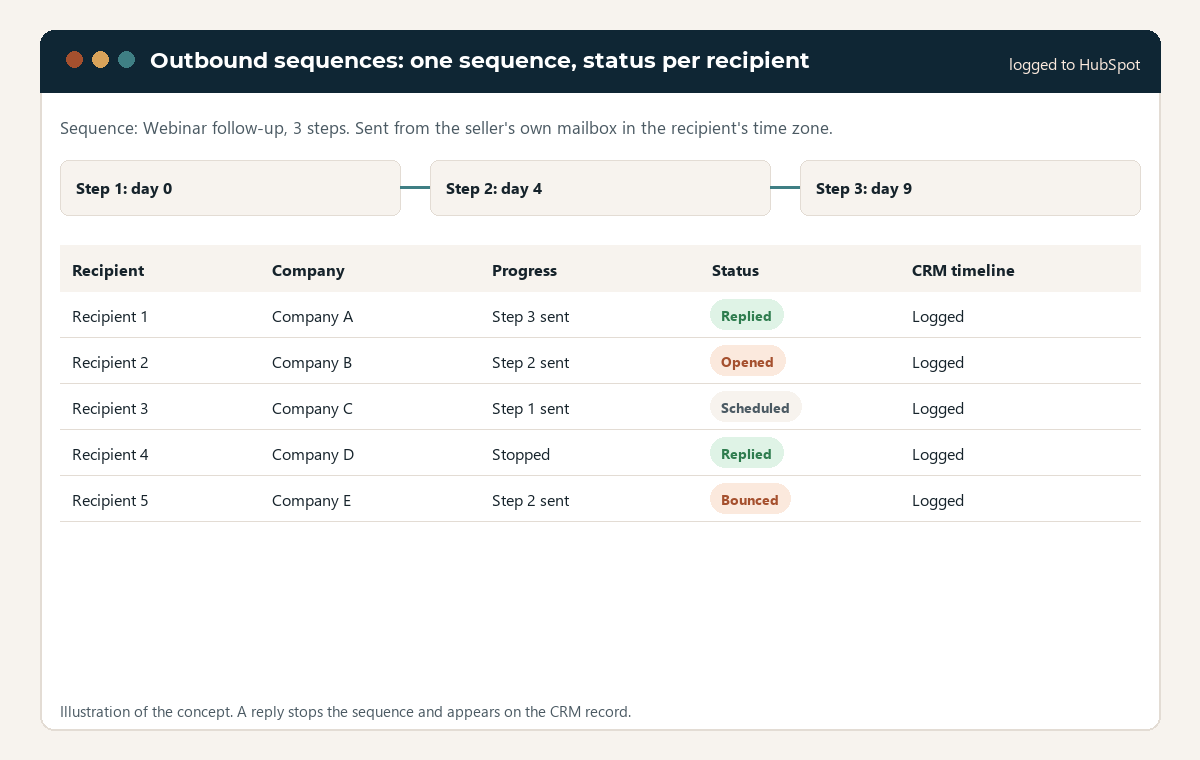
What it does. Sends personalised sequences from the team's own Microsoft 365 mailboxes, watches replies and bounces, schedules by the recipient's time zone, and logs every send, reply and click to the HubSpot record. Each seller sends as themselves, with their own signature.
One sequence and its recipients, drawn as an illustration. Replies stop the sequence and appear on the HubSpot timeline.
Case studies from project documents, without the client's name
The problem. Industrial firms have project reports full of evidence and cannot publish any of it, because every page names the customer.
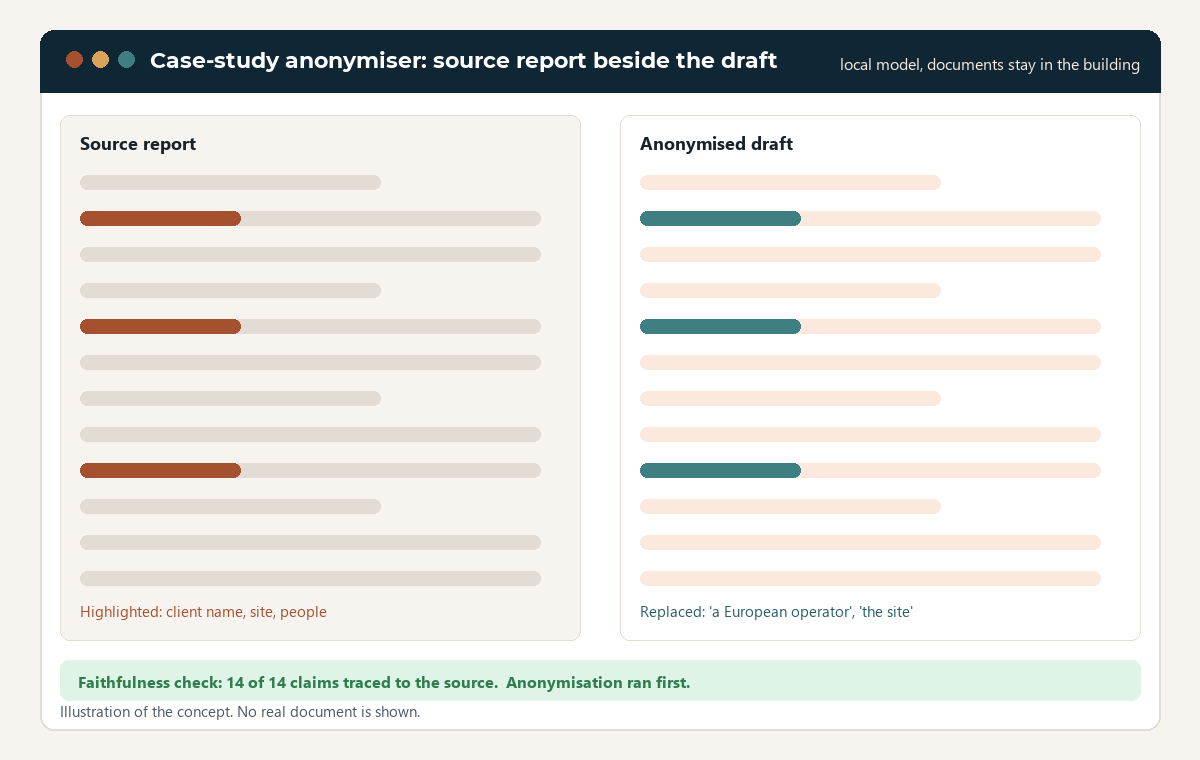
What it does. Takes project reports as PDF or Word, removes client names and identifying details first, then extracts the facts, checks them, writes a case study, and checks the draft against the source so nothing is claimed that the report does not support. It runs against a model on a local machine, so the documents never leave the building.
Source beside draft, drawn as an illustration. Anonymisation happens before any other step.
A case-study library assembled into a pitch deck
The problem. Dozens of case studies in Word files, and a day of copy and paste to assemble the right ten for a bid.
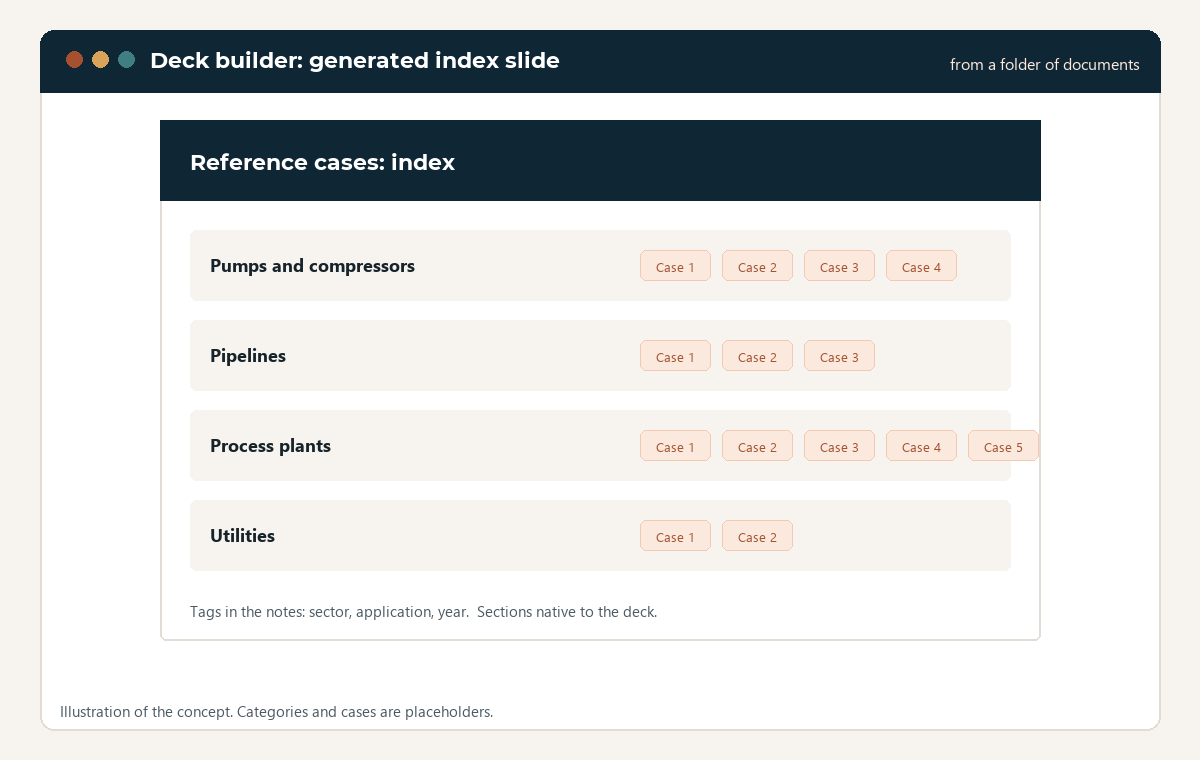
What it does. Reads a folder of case-study documents, classifies each against a spreadsheet of sectors and applications, clones a template slide per case, and merges them into one deck with index slides and sections, in the order you ask for.
The index slide of a generated deck, drawn as an illustration. One command from a folder of documents to a deck.
LinkedIn posts drafted from technical material, with a review gate
The problem. Technical firms have case studies, release notes and webinar recordings, and no time to turn them into posts that sound like the firm.
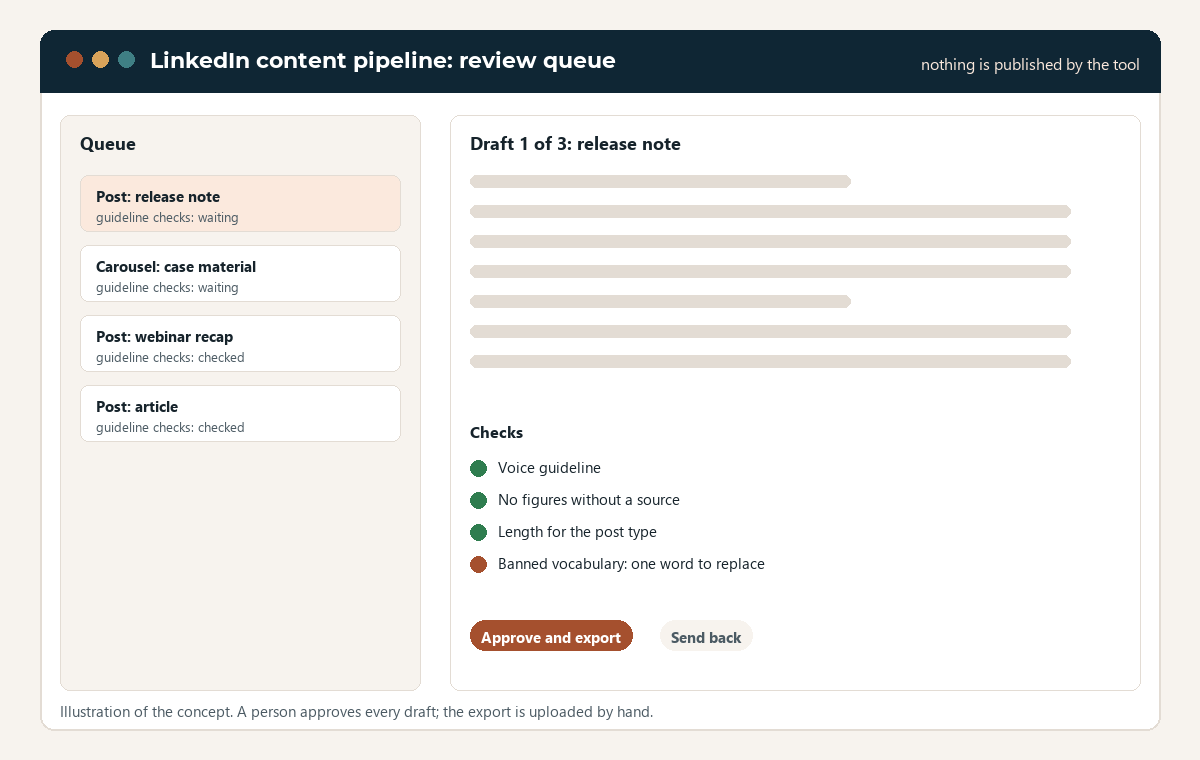
What it does. Drafts posts and carousels from a source document, checks them against a written voice guideline and rules per post type, holds them in a review queue, renders the images, and exports a folder for a person to upload. It does not publish anything and does not connect to LinkedIn.
The review queue, drawn as an illustration. Every draft waits for a person. Nothing goes out on its own.
Next
These tools come into play inside an engagement, when the diagnostic shows the problem they address. The place to start is the Revenue Engine Check.